

Description
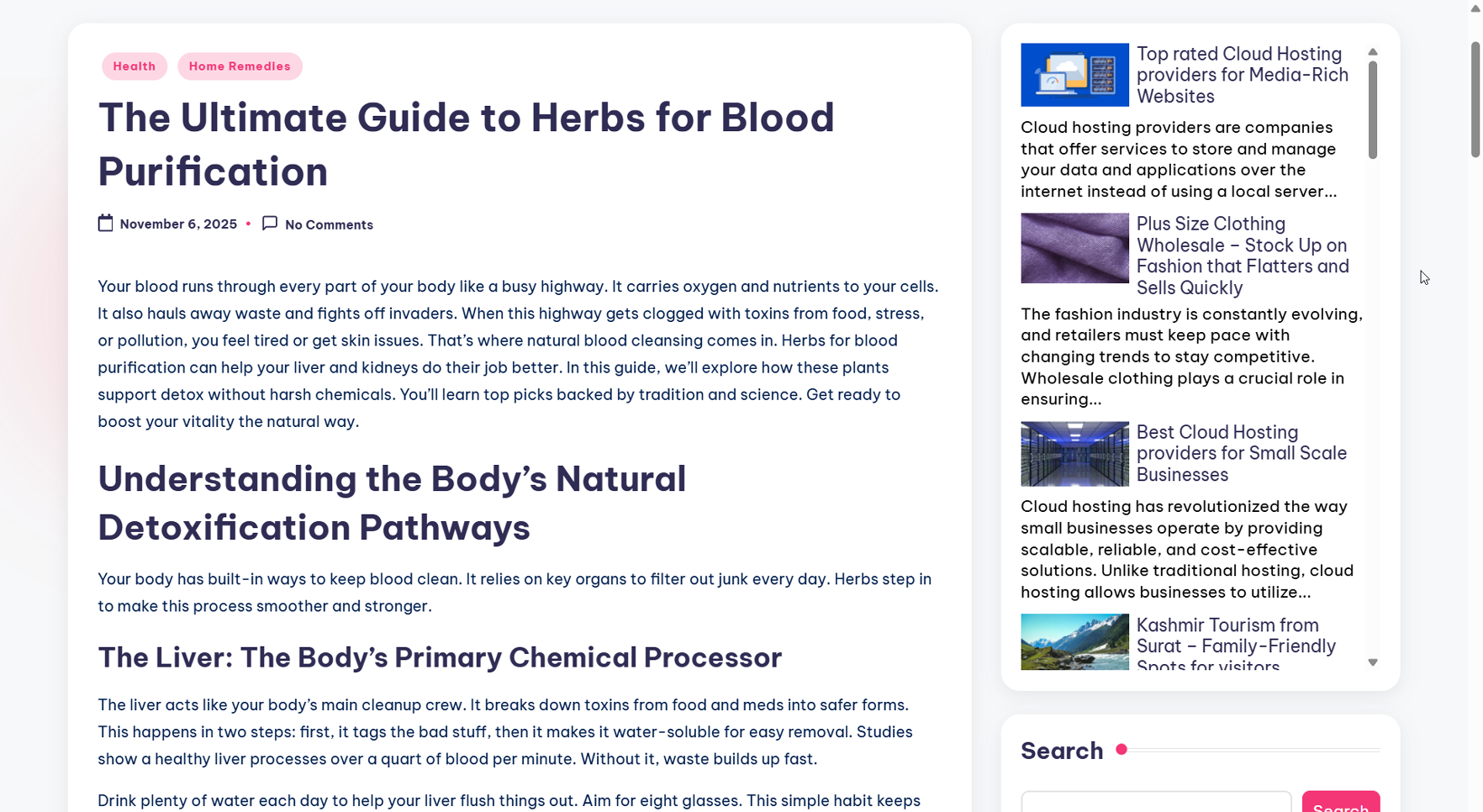
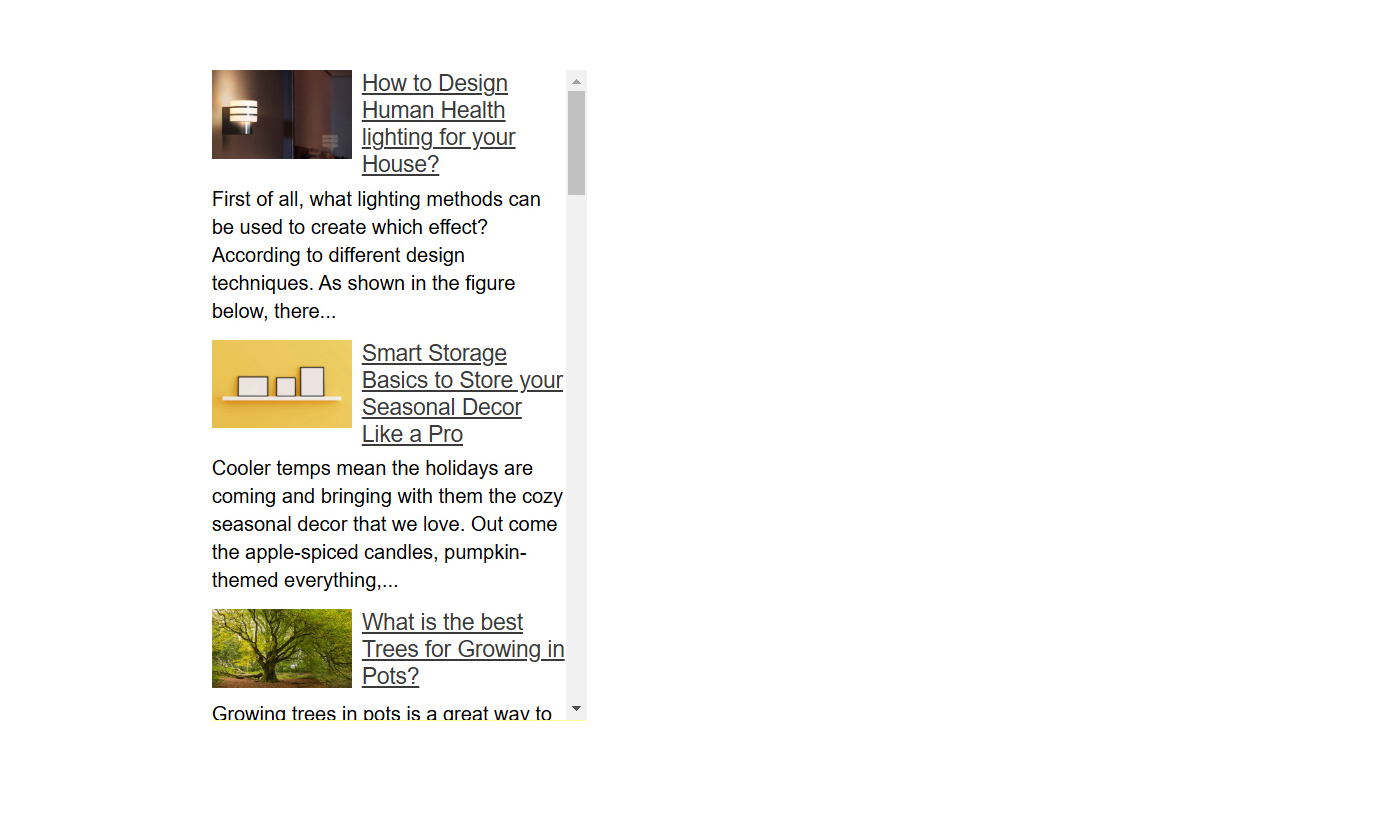
Informative, Easy to Customize (live DEMO), On-page friendly Sidebar Widgets ever. A Well-optimized Sidebar not only improves usability but also contributes to higher retention rates and overall Site success. In these Custom Widgets Links are No-Follow and Pointing to Google friendly Articles. Users can read these Articles using 200+ Global and Regional Languages.
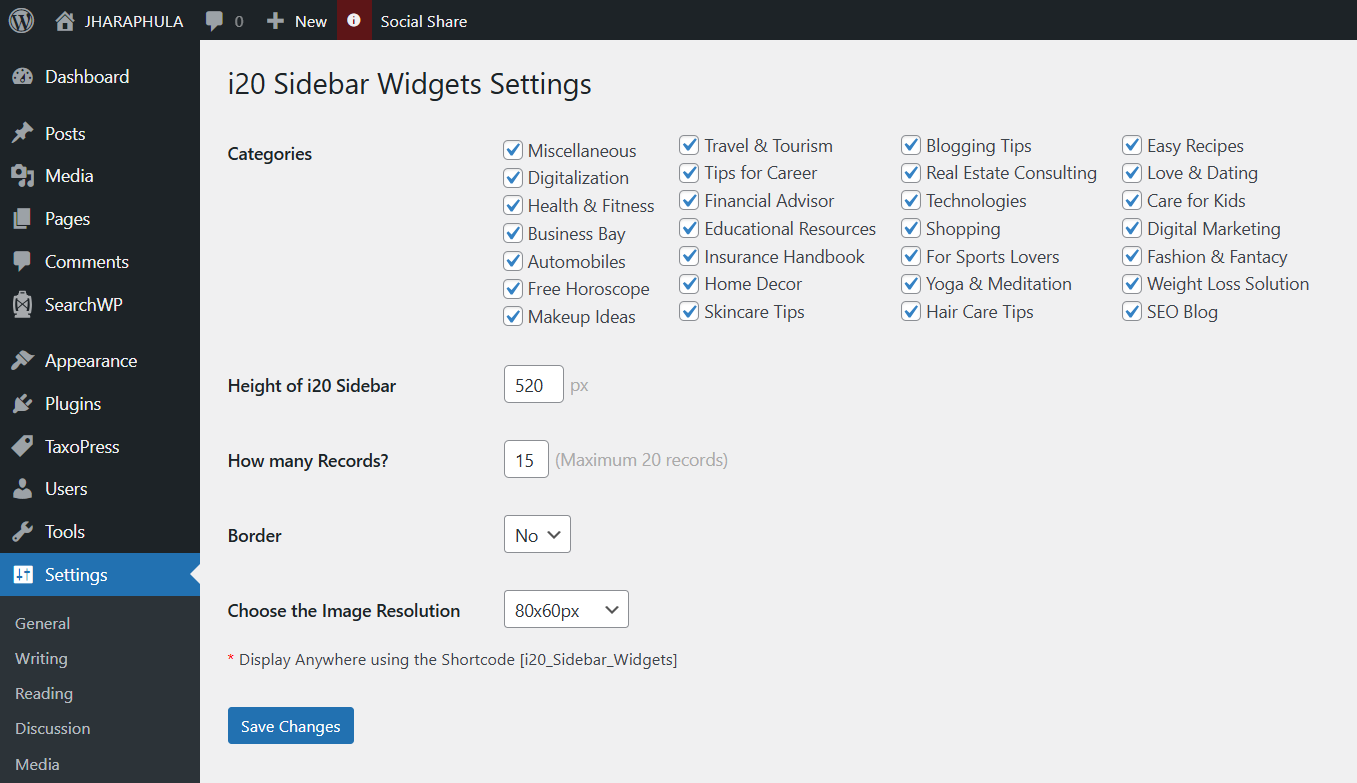
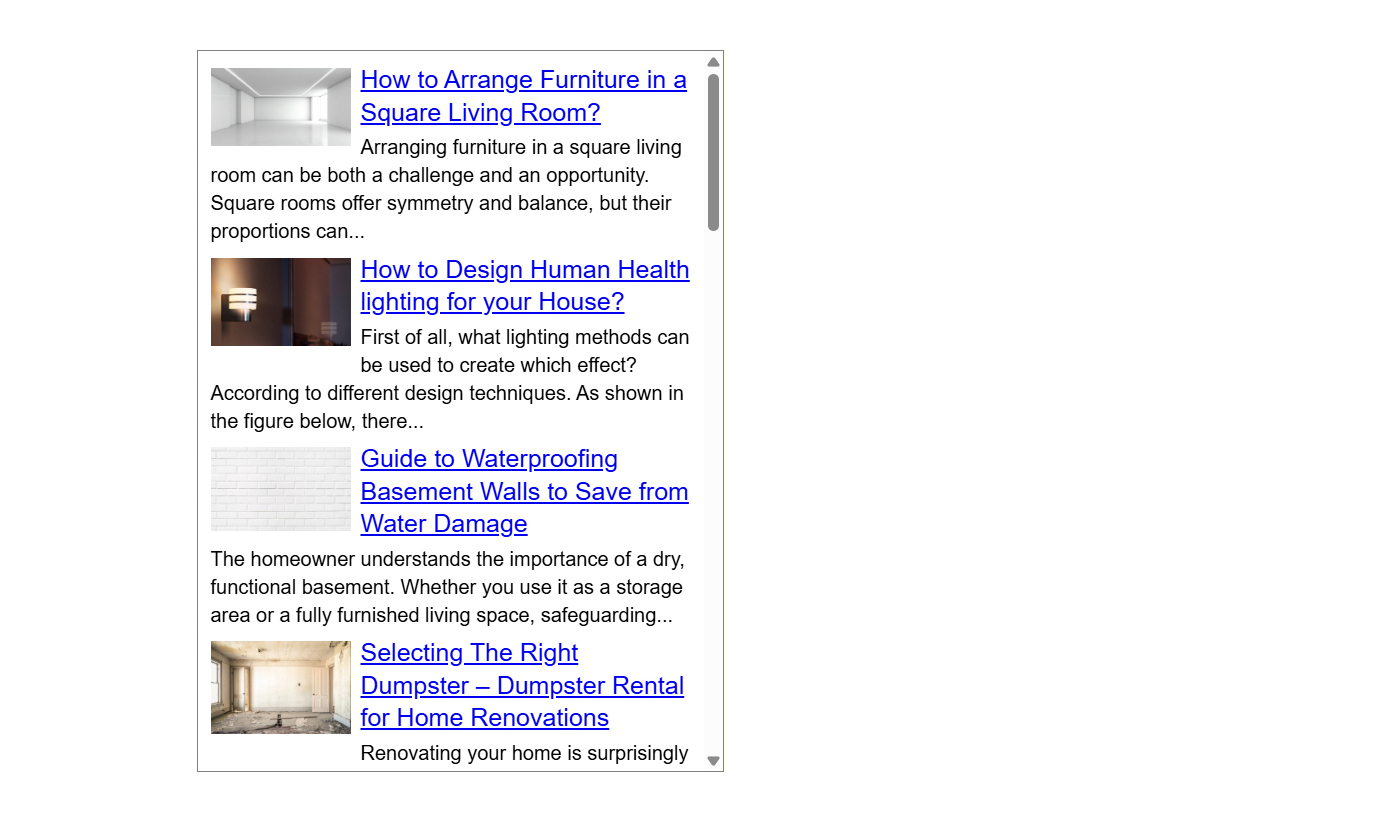
After a Successful Installation you don’t need to do anything, the Plugin « i20 Sidebar Widgets » will automatically fit in your theme. Using Settings > i20 Sidebar Widgets, you can Set the number of records you want to display or border and height of these Custom Sidebar Widgets. By default this plugin Comes with 100% Width. You can use this in Page Header, Left or Right Side Panel or inside Paragraphs. Currently we are supporting 28 popular Categories like Digitalization, Health and Fitness, Business Bay, Automobiles, Free Horoscope, SEO Guest Posting, Makeup Ideas, Travel and Tourism, Tips for Career, Financial Advisor or Educational Resources. Each Category comes with 400+ high quality Articles. Depending upon your Site Niche from plugin settings you can choose which Categories Articles you need to show in the Sidebar.
Technical Details
Widgets play a pivotal role in modern web design by enhancing interactivity, personalization, and functionality. i20 Sidebar Website Widgets for WordPress are completely Dynamic, No more we are Storing or Retrieving DATA to or from your WP Database. Fetching DATA from SSD/NVMe Storage xml feeds. Each feed Comes with 200+ records. Total 28 feeds (Categories). Using 1 random PHP function we are Choosing 1 feed from 28 feeds then using 2nd random PHP function we are displaying top 20 records. Make Sure in every page refresh for 90% cases these Website Widgets will display unique records to the user.
SEO Features of these Website Widgets
Website Widgets are powerful Tools that enhance user experience while contributing significantly to search engine optimization (SEO). Sidebar widgets, when implemented thoughtfully, can positively impact SERP by improving User engagement, Outbound linking and Content relevance. By following SEO best practices, website owners can leverage Sidebar Widgets as a strategic Tool for organic growth.
This WP Plugin is SEO friendly. By adding this Website Widgets to your Post, Page or Taxonomies pages additional 2900+ Words will add to the page (which will Change for every page refresh). Each row of this Sidebar Widgets comes with 145 Words Description. If you are displaying 20 rows then 2900+ Words will On-page.
Lets take an example you have a blog related to Digital Marketing. Under i20 Sidebar Setting panel if you will choose Digital Marketing Categories feed to Show, in your pages Digital Marketing related posts will appear. Which helps to boost Keyword Density as well as User experience.
Mobile Compatibility
These Sidebar Widgets are designed to be Responsive, adapting to different Screen Sizes. This ensures a seamless experience for Mobile users. This means they can change their size and shape based on the screen they are on. For example, if you look at a website on a big computer screen, the widget might show a lot of information at once. But if you switch to a smaller phone screen, the widget will adjust to fit nicely, making it easy to read and use.
You can display these Sidebar Widgets using Shortcode [i20_Sidebar_Widgets].
Screenshots
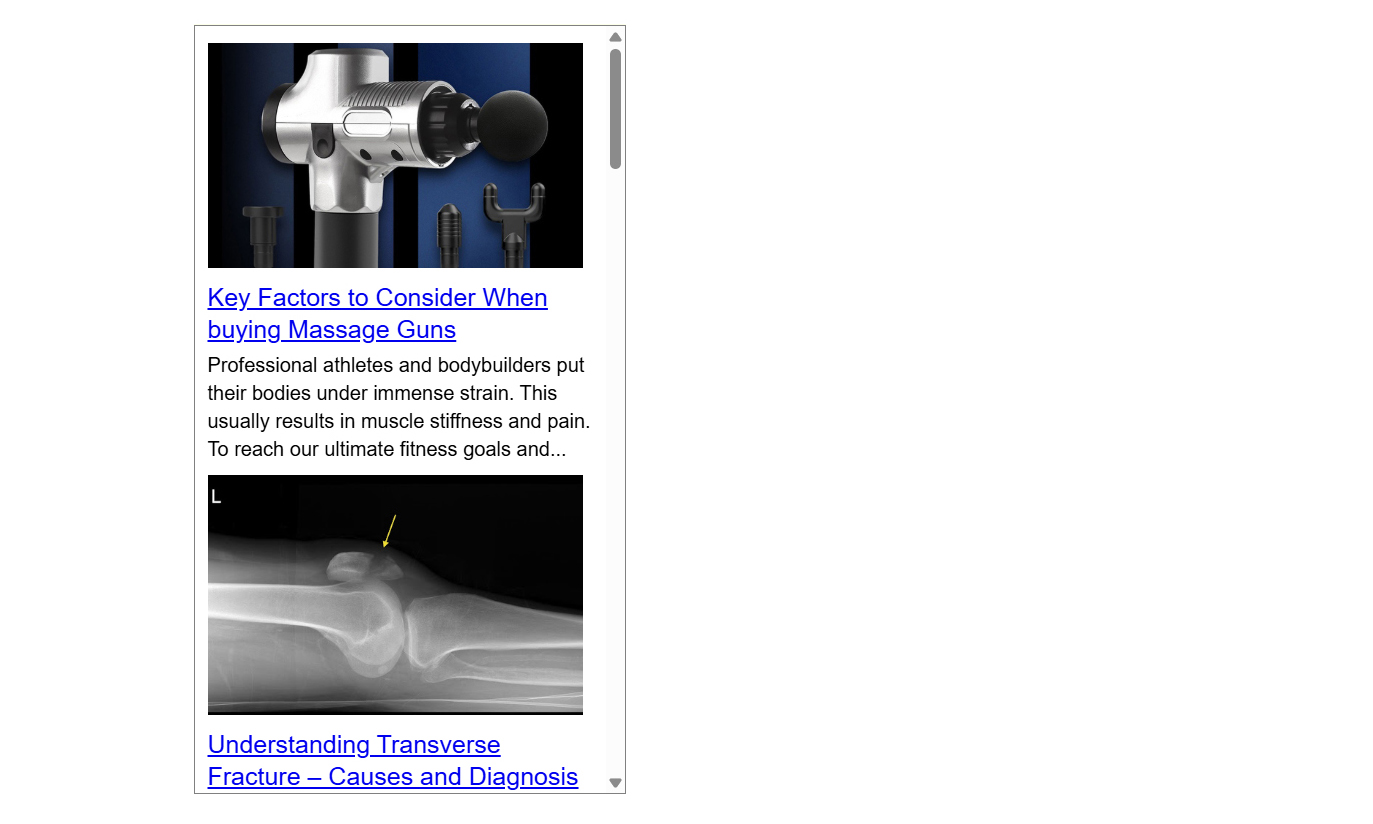

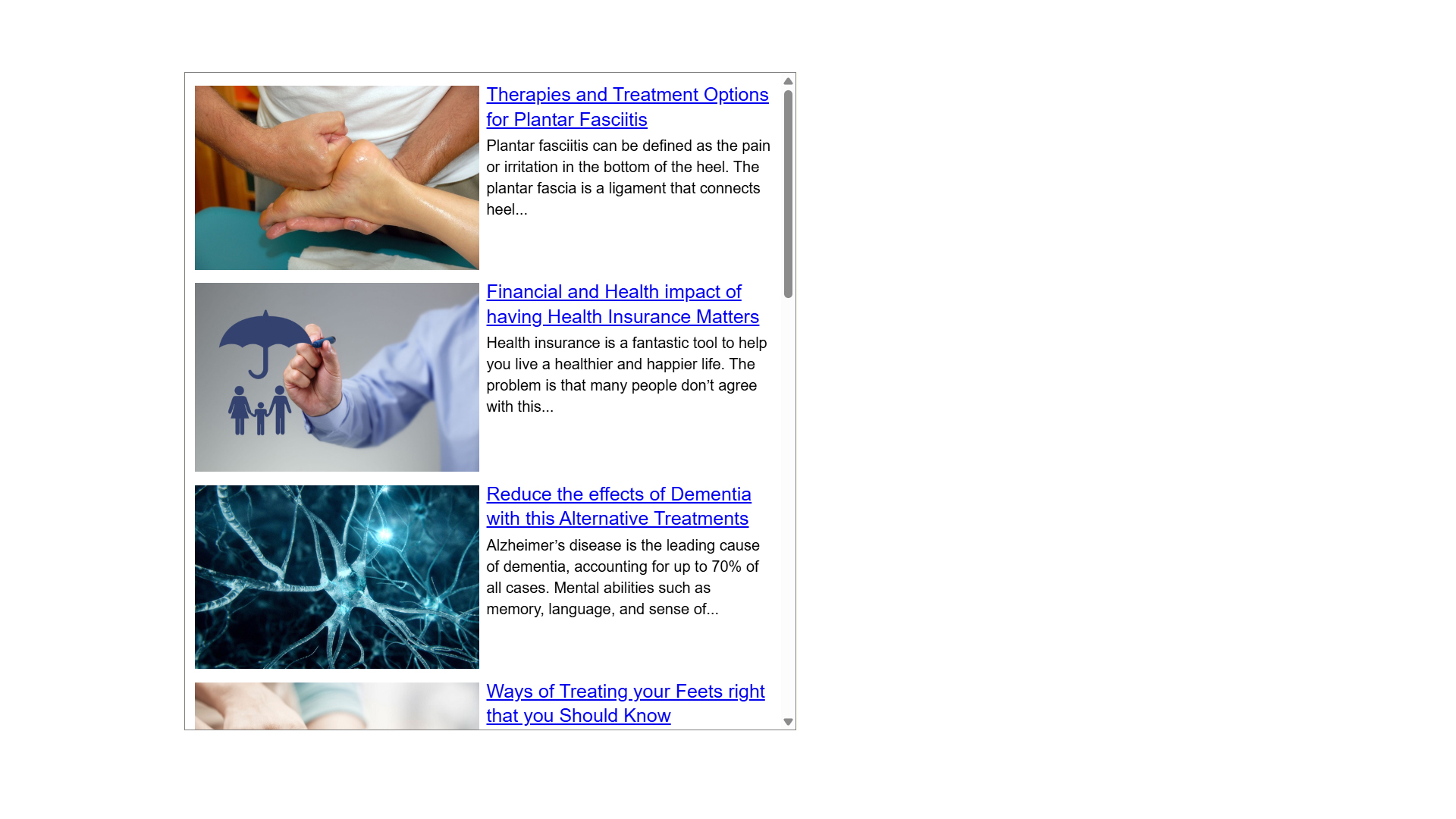

Installation
- To Install these Website Widgets for WordPress Go to
Pluginsin the Admin menu. - Click on the button
Add new. - Search for
i20 Sidebar Widgetsand click ‘Install Now’ or click on theuploadlink to uploadi20-sidebar-widgets.zip - Click on
Activate plugin. - Go to Settings > i20 Sidebar Widgets. Copy the Shortcode.
- Under Widgets drag a Text Control to your Sidebar panel. Paste the Shortcode. Save.
- Clear Site Cache and refresh the Page using CTRL + F5 in browser.
FAQ
-
How to Disable this WordPress Plugin?
-
Use standard Plugin overview page in WordPress admin section and deactivate it or rename plugin folder /wp-content/plugins/i20-sidebar-widgets over FTP access.
-
Yes.
-
Will it Slow down my Site?
-
No, it won’t. It’s only loaded on the pages where Shortcode added.
-
Can I Choose all 28 Categories?
-
Yes, by selecting each checkbox you are saying our algorithm to fetch its related Category xml feed. While selecting multiple feeds for each page refresh randomly 1 category feed will select from the array of xml feeds.
-
What will happen if I am not selecting any Category?
-
By not selecting any Category Widgets will fetch general feed.
-
What is the Shortcode to integrate this plugin?
-
[i20_Sidebar_Widgets]
-
After Successful Installation is this Plugin will intract WordPress Site Database?
-
No. These Widgets fetching Data from NVMe/SSD Storage third-party xml Feeds.
-
Can I use these Widgets for WordPress multiple times in a Single page?
-
Yes using the Shortcode you can use these website widgets multiple times in a Single page but it was recommended not to use multiple times. Because the Setting panel will work Same for all Widgets. For multiple use width is not an issue as it set to 100% but height and record count will same for all widgets. Make Sure during page load multiple widgets will not show Similar records.
-
This WP plugin comes under which License?
-
GPLv2 or later.
Reviews
There are no reviews for this plugin.
Contributors & Developers
“i20 Sidebar Widgets” is open source software. The following people have contributed to this plugin.
Contributors

Translate “i20 Sidebar Widgets” into your language.
Interested in development?
Browse the code, check out the SVN repository, or subscribe to the development log by RSS.
Changelog
2.1.6: February 17, 2025
- Under Widgets Setting panel Image Resolution (Larger or Smaller) Option added.
2.1.6: February 17, 2025
- In place of 120 records now our each xml feed Comes with 200 records.
2.1.3: January 30, 2025
- Updated feed Image Size from 80x60px to 300x185px.
2.1.3: November 28, 2024
- Initially our xml feeds are with 60 records each from Database for any specific category. Updated to 120 records.
2.1.3: November 27, 2024
- Fetching all User selected feeds url using random function from PHP. Then storing all the records from each feed to an array. Applying random function to the Array elements before displaying to the widgets.
2.1.3: October 30, 2024
- WordPress 6.5 and PHP 8.2 compatibility.
1.0.0: October 10, 2024
- Birthday of i20 Sidebar Website Widgets for WordPress.