
Description
BrandKity: Brand Asset Manager is the official WordPress plugin for BrandKity — the brand asset management platform for growing businesses and creative teams.
With this plugin, your entire brand kit lives inside WordPress. Browse your brand assets directly from the WordPress admin and import them to your Media Library with a single click.
What you can do
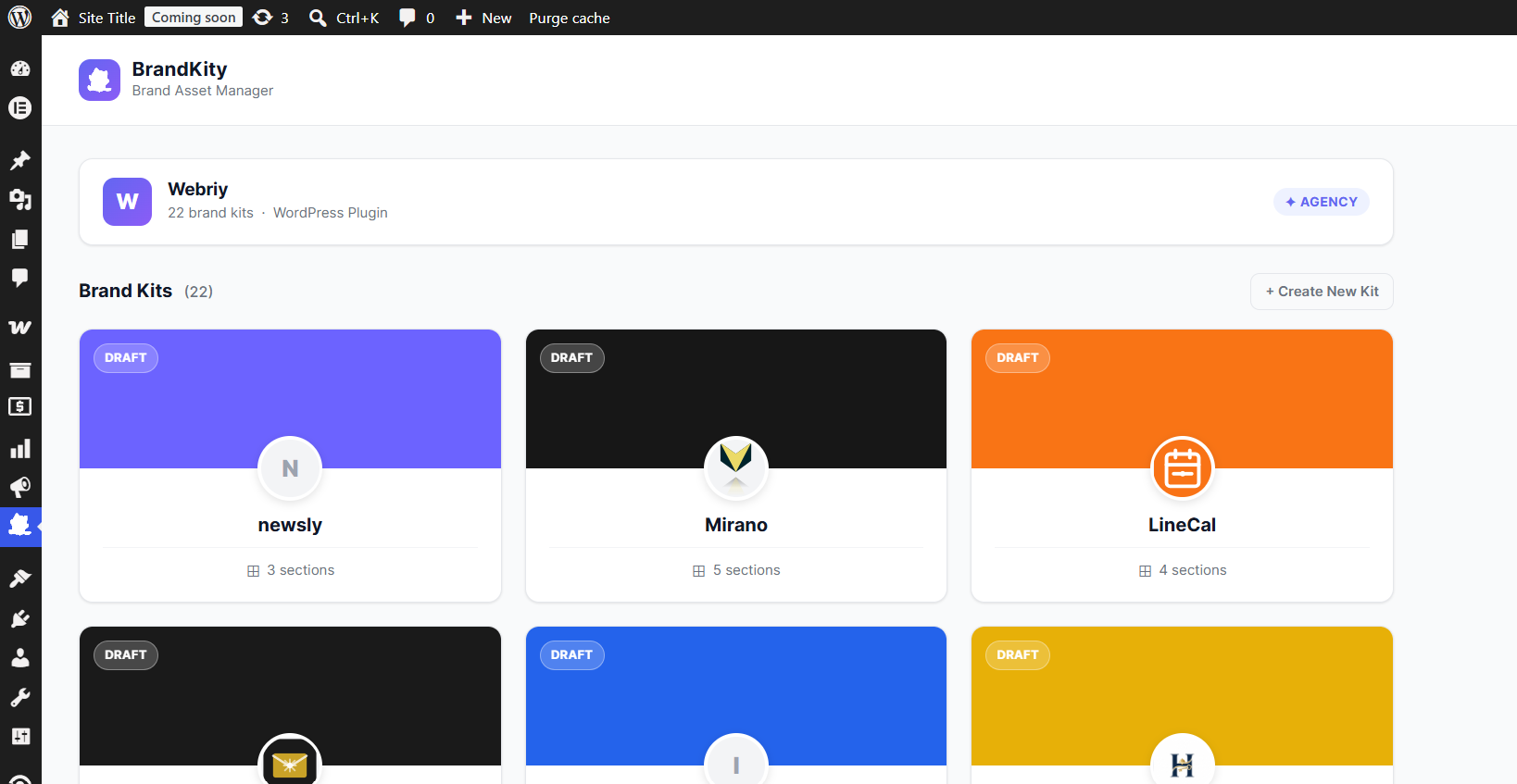
- Browse all your brand kits from inside the WordPress admin
- Import logos, visuals, icons, videos, collaterals, and resources to your Media Library
- View colors with click-to-copy HEX/RGB values
- View typography — font names, weights, and Google Fonts links
- Read brand story and guidelines from your kit
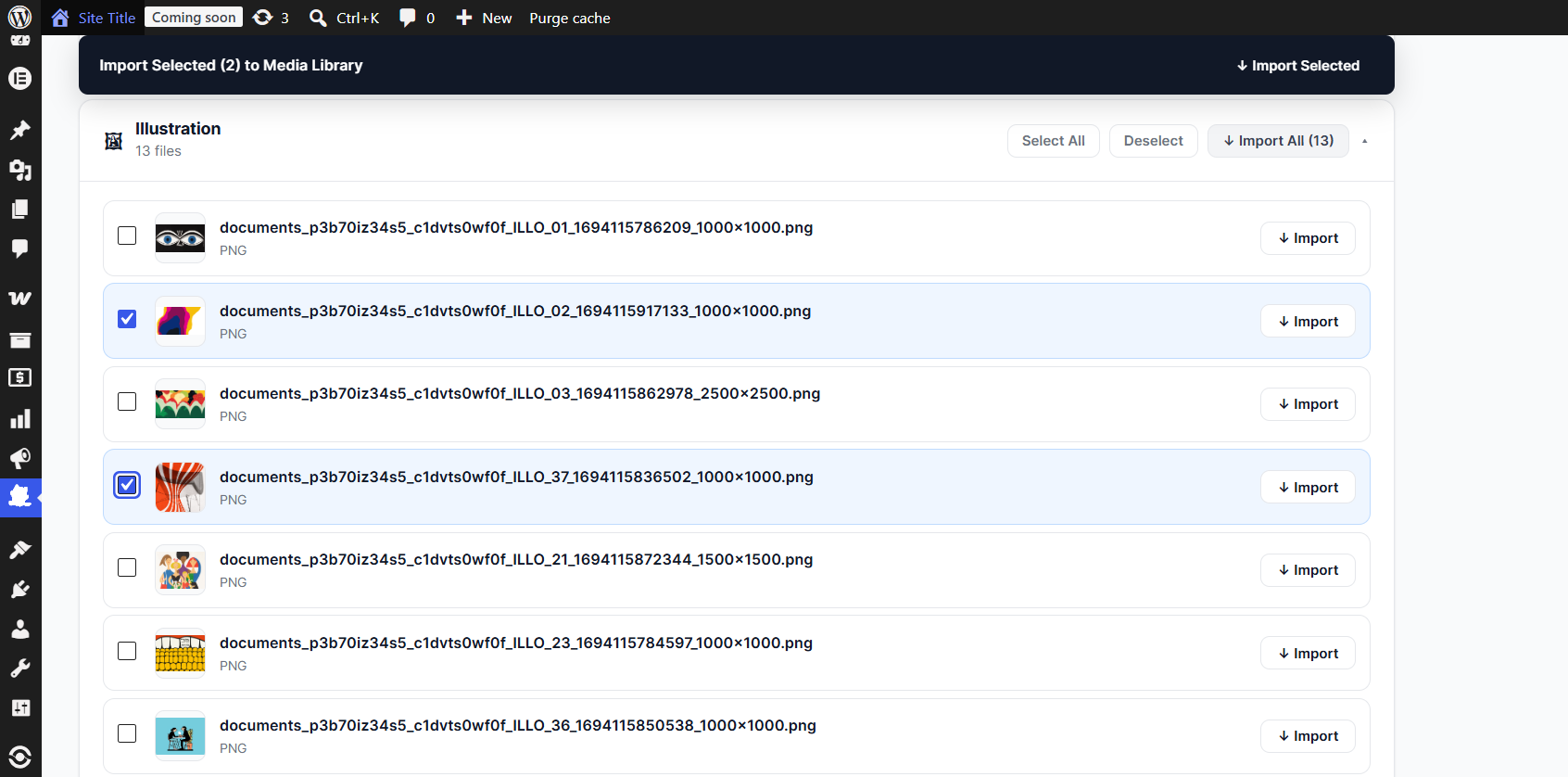
- Select individual assets or bulk-import entire sections at once
- Multi-select across sections and import everything in one click
Key Features
- 🎨 Full brand kit browser — see every asset your team has uploaded
- One-click import — assets land directly in your WordPress Media Library
- ✓ Bulk import — select all in a section or select across sections
- 🔒 Secure API key storage — your key is encrypted in the database using AES-256
- ⚡ Lightweight — pure PHP, no external libraries, no Composer dependencies
- 🛡 CSRF protected — all actions use WordPress nonces
- 🖼 SVG support — SVGs are sanitized before import (scripts, event handlers removed)
How it works
- Install and activate the plugin
- Get your API key from brandkity.com Settings API Keys
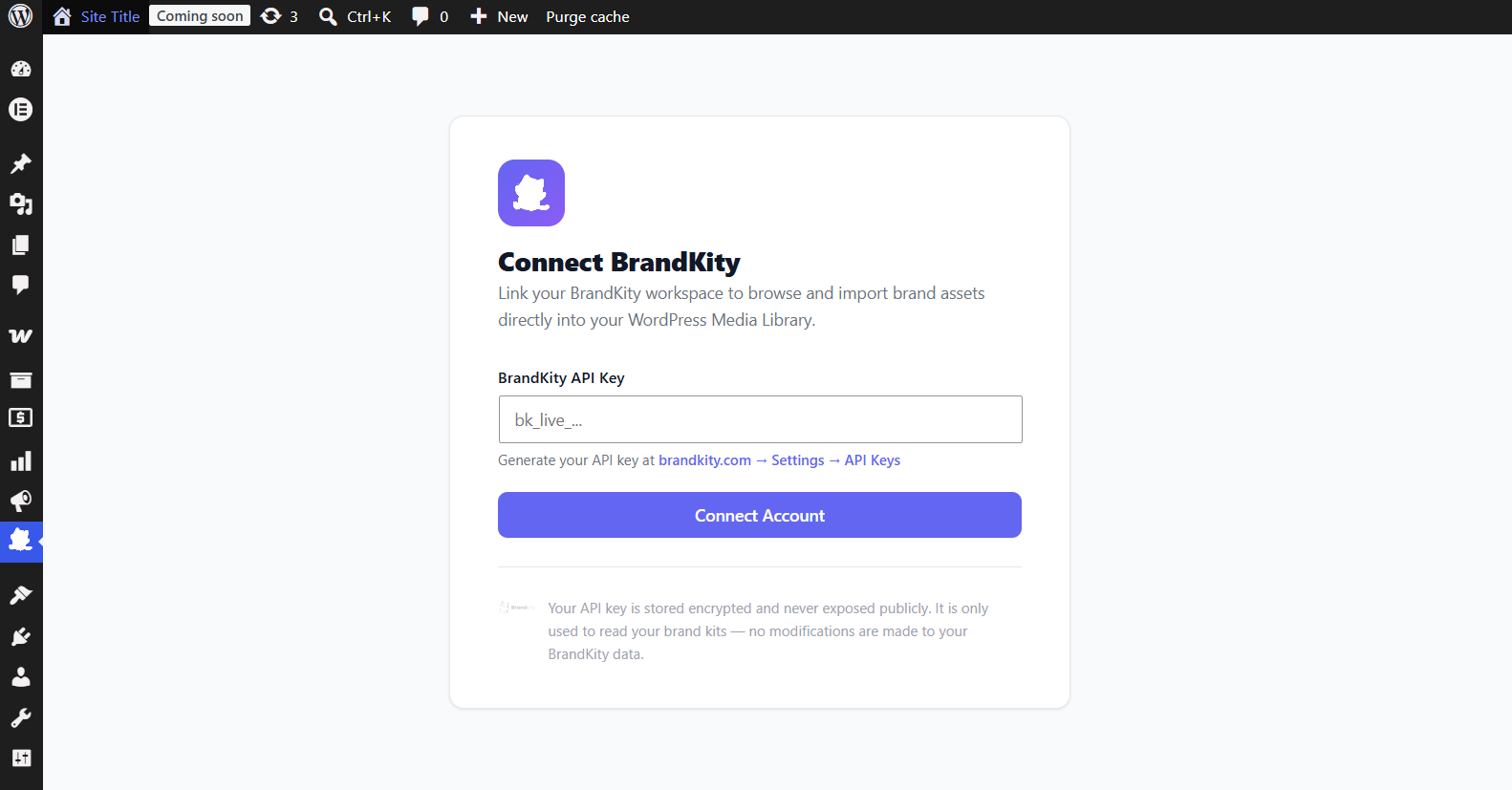
- Enter it in BrandKity Settings
- Browse your brand kits and import assets to Media Library
Requirements
- A BrandKity account (any plan — Free, Starter, Pro, or Agency)
- WordPress 6.0 or higher
- PHP 7.4 or higher
Privacy Policy
This plugin connects to the BrandKity API at https://brandkity.com using your API key to fetch your brand kit data. No personal data from your WordPress site is sent to BrandKity except the API key you provide.
For BrandKity’s full privacy policy, visit: https://brandkity.com/privacy-policy
Screenshots
Installation
- Upload the
brandkity-for-wordpressfolder to/wp-content/plugins/ - Activate the plugin through the Plugins menu in WordPress
- Navigate to BrandKity in the WordPress admin sidebar
- Enter your BrandKity API key (get it at brandkity.com Settings API Keys)
- Start importing brand assets!
Automatic Installation
- Go to Plugins Add New in your WordPress admin
- Search for « BrandKity »
- Click Install Now then Activate
FAQ
-
Do I need a paid BrandKity plan?
-
No! The WordPress plugin works on all BrandKity plans, including the free plan.
-
Where do I get my API key?
-
Log in to brandkity.com, go to Settings API Keys, and generate a new key. It starts with
bk_live_. -
Where do imported assets go?
-
All assets are imported directly to your WordPress Media Library (Media Library). They are downloaded from BrandKity’s CDN and stored on your server.
-
Are SVG files supported?
-
Yes! The plugin sanitizes SVG files before importing them — it removes any scripts, event handlers, and external references to keep your site secure.
-
Is my API key stored securely?
-
Yes. Your API key is encrypted using AES-256-CBC with your WordPress authentication key before being stored in the database. It is never stored in plaintext.
-
Can I use this with page builders?
-
Once assets are in your Media Library, they work with any page builder or theme that uses the WordPress Media Library — Elementor, Gutenberg, Divi, Beaver Builder, etc.
-
Does the plugin modify my BrandKity data?
-
No. The plugin is read-only — it only fetches and displays your brand kits. No changes are made to your BrandKity workspace.
Reviews
There are no reviews for this plugin.
Contributors & Developers
“BrandKity: Brand Asset Manager” is open source software. The following people have contributed to this plugin.
Contributors
Translate “BrandKity: Brand Asset Manager” into your language.
Interested in development?
Browse the code, check out the SVN repository, or subscribe to the development log by RSS.
Changelog
1.0.0
- Initial release
- Kit dashboard with card grid
- Kit detail with all block types (logos, visuals, icons, videos, colors, typography, brand story, collaterals, resources)
- One-click and bulk import to WordPress Media Library
- SVG sanitization
- Encrypted API key storage
- Full multi-select and bulk import support