Plugin Tag: events
-
-

Location for WP Event Manager
Requires WordPress Version at least: 4.1 Adds to the event a description of the location in which the event takes place Support Policy I will happi …
-
Herodotus – On This Day
Create an "On This Day" section on your WordPress site. Displays posts based on day and month — automatically, every year.
-
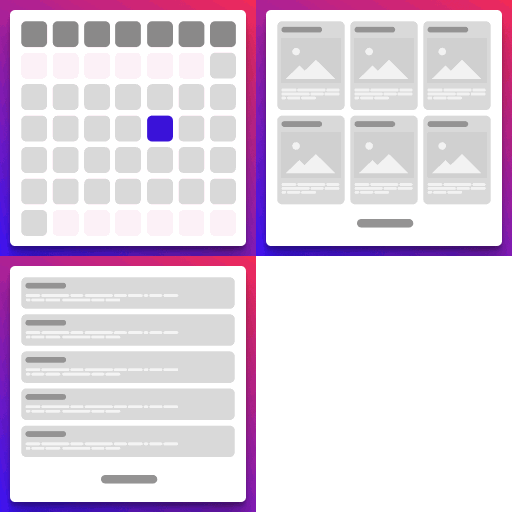
Events: Calendar, Boxes, and List
A simple and powerful events manager plugin with multiple views: calendar, boxes, and list.
-

Cohost
Show your Cohost events on your own WordPress site — your branding, your domain, your audience.
-
-

World City Events: IXYT
A unique WordPress plugin – get the latest events in your city! Increase your SEO rating and attract more visitors to your site with useful content.
-

Stagent
Stagent is a lightweight WordPress plugin to display bookings from Stagent on your website using a simple shortcode.
-

LAUTI Calendar
Display events from your LAUTI instance on your WordPress site as a list or timetable. Ships with simple, adjustable CSS.
-
-
-
-

NetterTech Events
A WordPress event management plugin with dedicated database tables, recurring events, RSVP forms, and WooCommerce ticketing for venues and nonprofits.
-
-

Q Events light
The Light Version of Q Events – simple publishing of events. More features on www.qanuk.io
-

Atomic Events Calendar
Atomic Events Calendar: A lightweight WordPress events framework that gives agencies full control without the bloat.
-

Event Maestro: Powerful Event Management
Event management and ticketing for WordPress. Display events, sell tickets, and accept secure Stripe payments.
-
-

WP Events Hooks Listeners
Listen various events from Wordpress Core actions and perform actions. You can setup various workflow based on specific actions happening in Wordpress …
-