
Description
Naqil Backup & Migrate creates a single, standard .zip archive of your WordPress site — the database plus the wp-content folder — that you can keep as a backup or move to another site.
No proprietary formats, no external services, no obfuscated code. Everything is processed on your own server in small chunks so it works on large sites without timing out.
Features
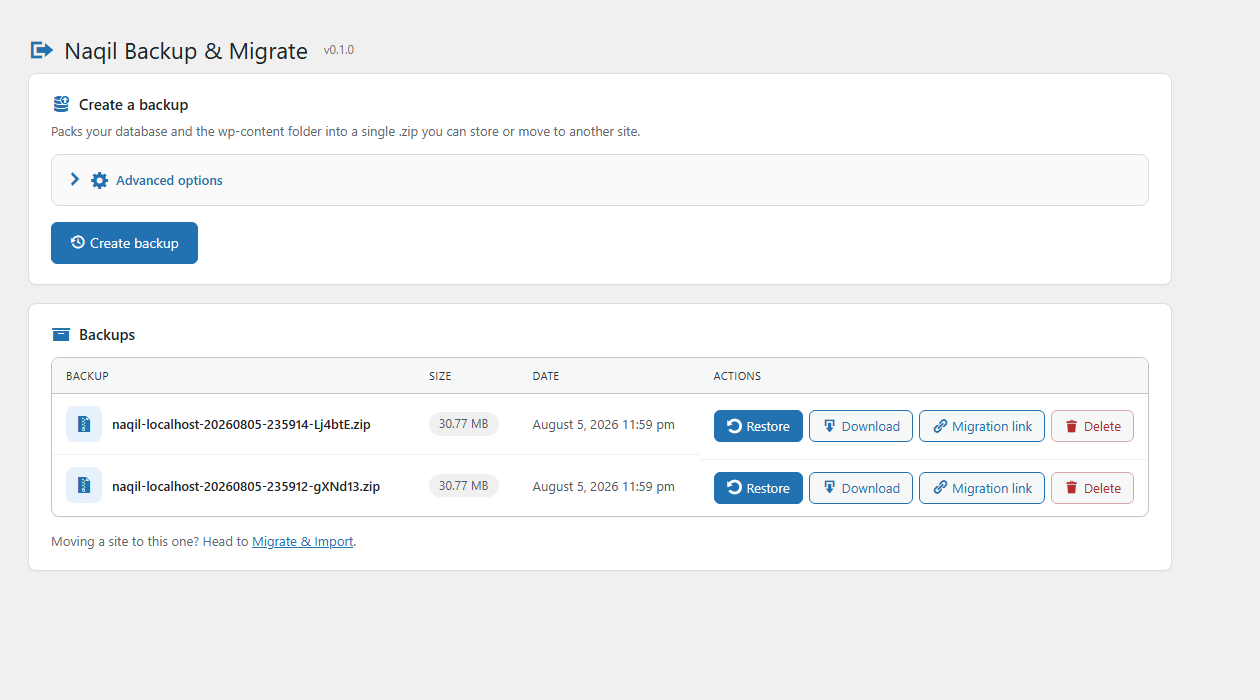
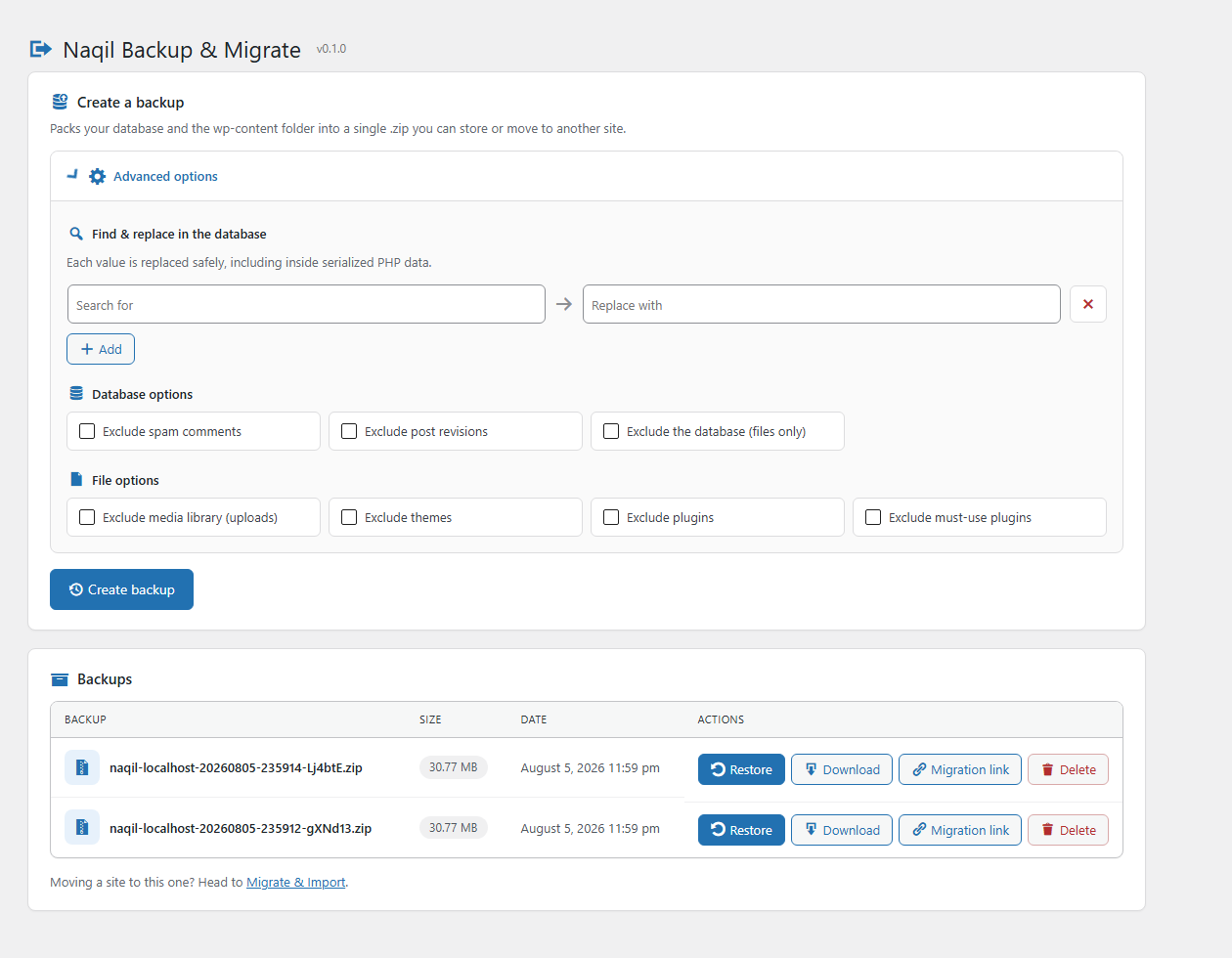
- One‑click backup of database +
wp-contentto a standard ZIP. - Chunked, resumable engine (AJAX) — handles large sites.
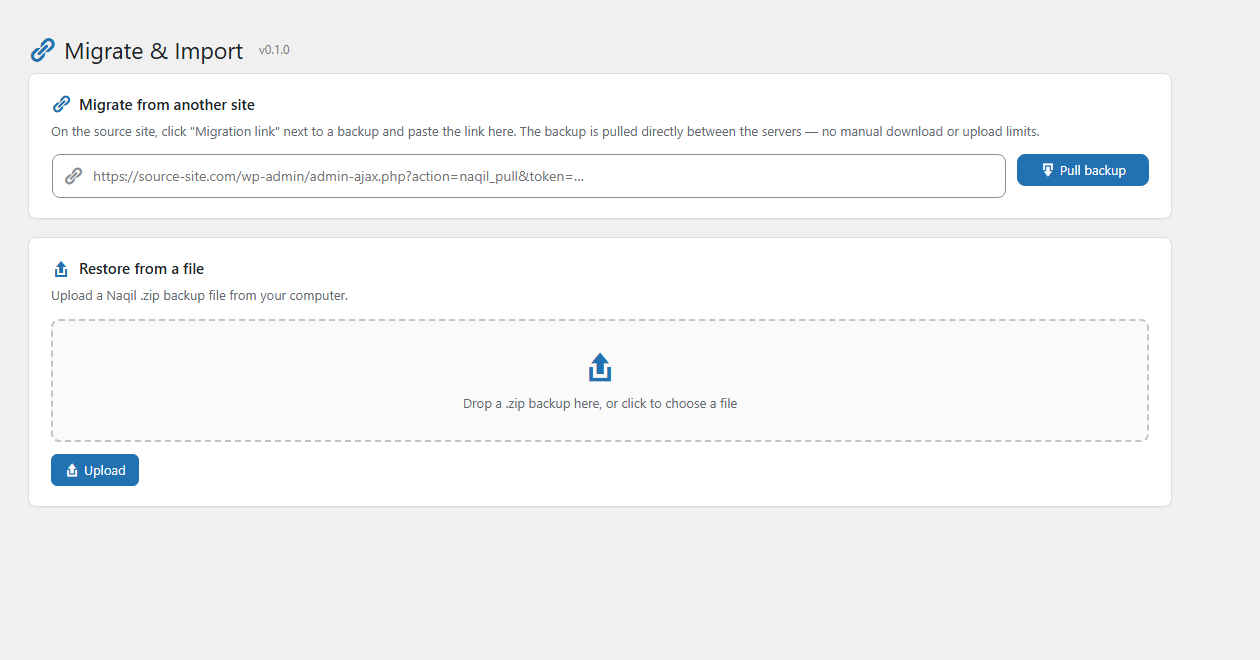
- Restore from the backup list, or upload a ZIP from another site.
- Migrate over a link: issue a secret, expiring link on the source site and the destination pulls the backup directly — no manual download, no upload limits.
- Migration-safe URL replacement that understands PHP-serialized data — moving to a new domain won’t corrupt widget, theme, or plugin settings.
- Download backups securely from the admin (capability + nonce protected).
- Backups stored in a protected
naqil-backupfolder inside your uploads directory. - Fully translatable — ships with Arabic, RTL-ready admin screens.
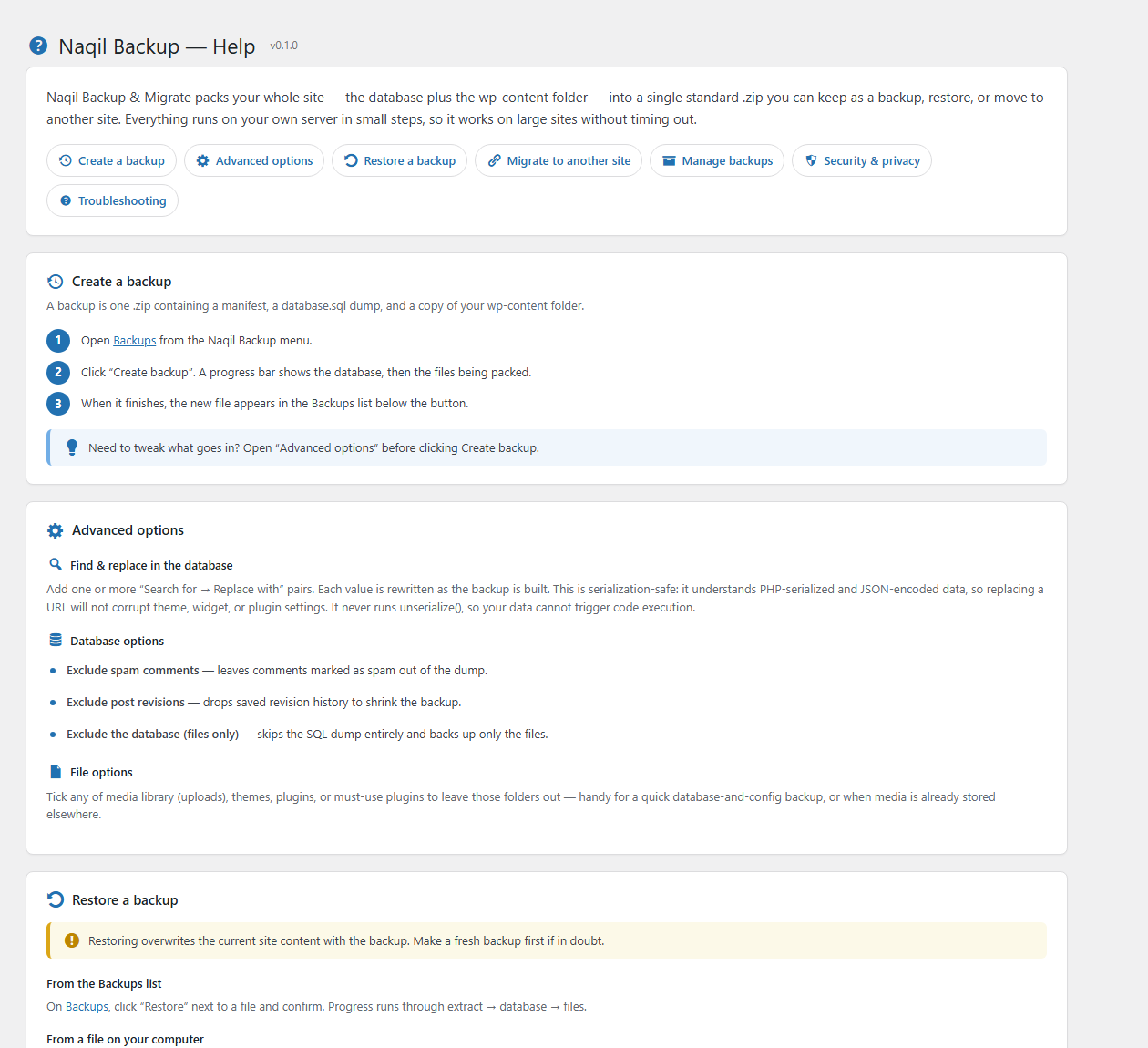
- Built-in Help screen documenting every feature and how to use it.
Screenshots
Installation
- Upload the
naqil-backupfolder to/wp-content/plugins/, or install the ZIP from Plugins Add New. - Activate the plugin.
- Open Naqil Backup in the admin menu.
FAQ
-
Where are backups stored?
-
In a protected
naqil-backupfolder inside your WordPress uploads directory, protected by an.htaccessdeny rule and anindex.phpstub. Download them from the admin screen. -
Does it work on large sites?
-
Yes. The database and files are processed in small batches across multiple requests, so it avoids PHP timeouts.
-
What format are the backups?
-
Standard ZIP. Inside you’ll find
naqil-manifest.json,database.sql, and acontent/copy ofwp-content. -
How does « migrate over a link » work?
-
On the source site, click Migration link next to a backup — a secret link is copied to your clipboard. On the destination site, open Naqil Backup Migrate & Import, paste the link, and click Pull backup. The destination downloads the archive directly from the source in small chunks, verifies it, and offers to restore it. Links expire after 3 days; only the SHA-256 hash of the token is stored, issuing a new link invalidates the old one, and deleting the backup revokes its link.
-
Can I move a site to a different domain?
-
Yes. When you restore a backup made on another URL, all occurrences of the old URL are replaced with the new one — including inside PHP-serialized and JSON-encoded settings, where a naive search/replace would break the data. The rewrite never calls
unserialize(), so database content can’t trigger object injection.
Reviews
There are no reviews for this plugin.
Contributors & Developers
“Naqil Backup & Migrate” is open source software. The following people have contributed to this plugin.
Contributors
Translate “Naqil Backup & Migrate” into your language.
Interested in development?
Browse the code, check out the SVN repository, or subscribe to the development log by RSS.
Changelog
0.1.0
- Initial release: chunked ZIP backup, restore, upload, download, delete.
- Serialization-safe URL replacement for cross-domain migration.
- Site-to-site migration over a secret, expiring link (chunked pull).