
Description
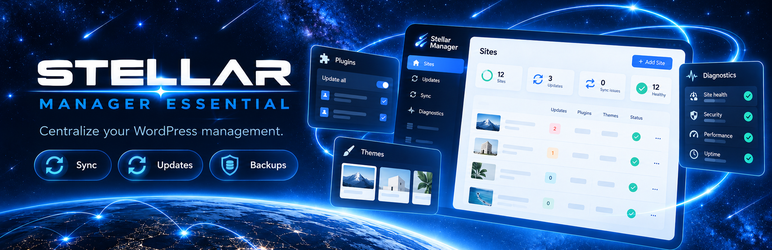
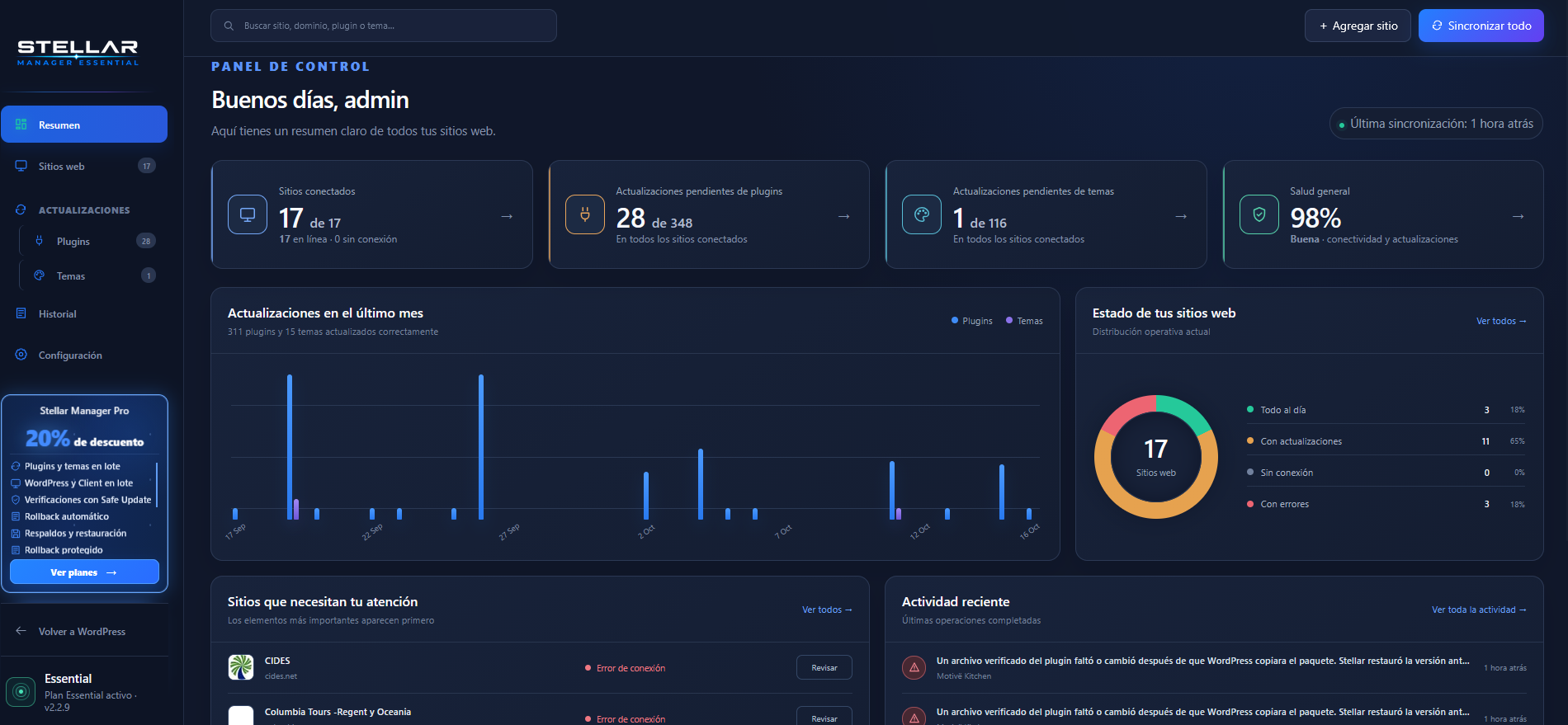
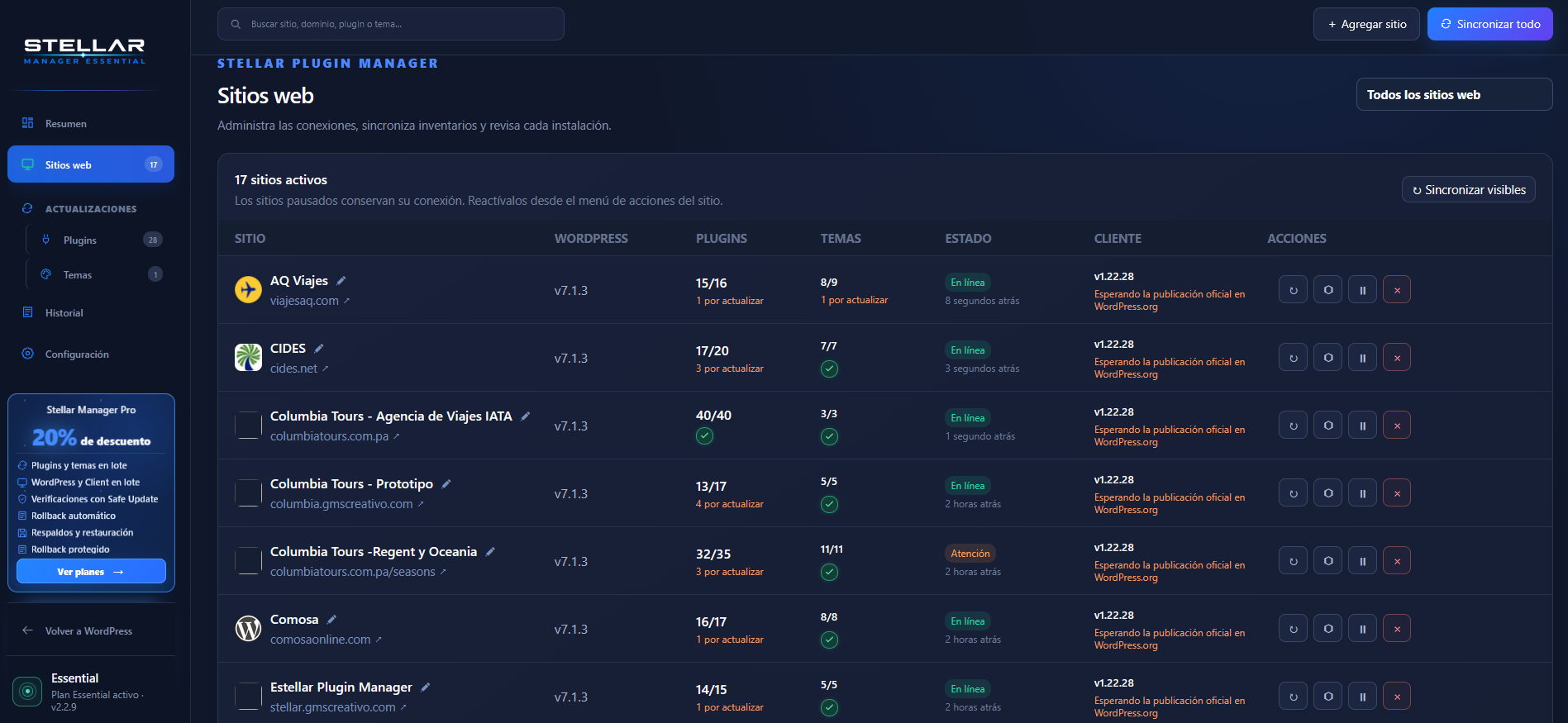
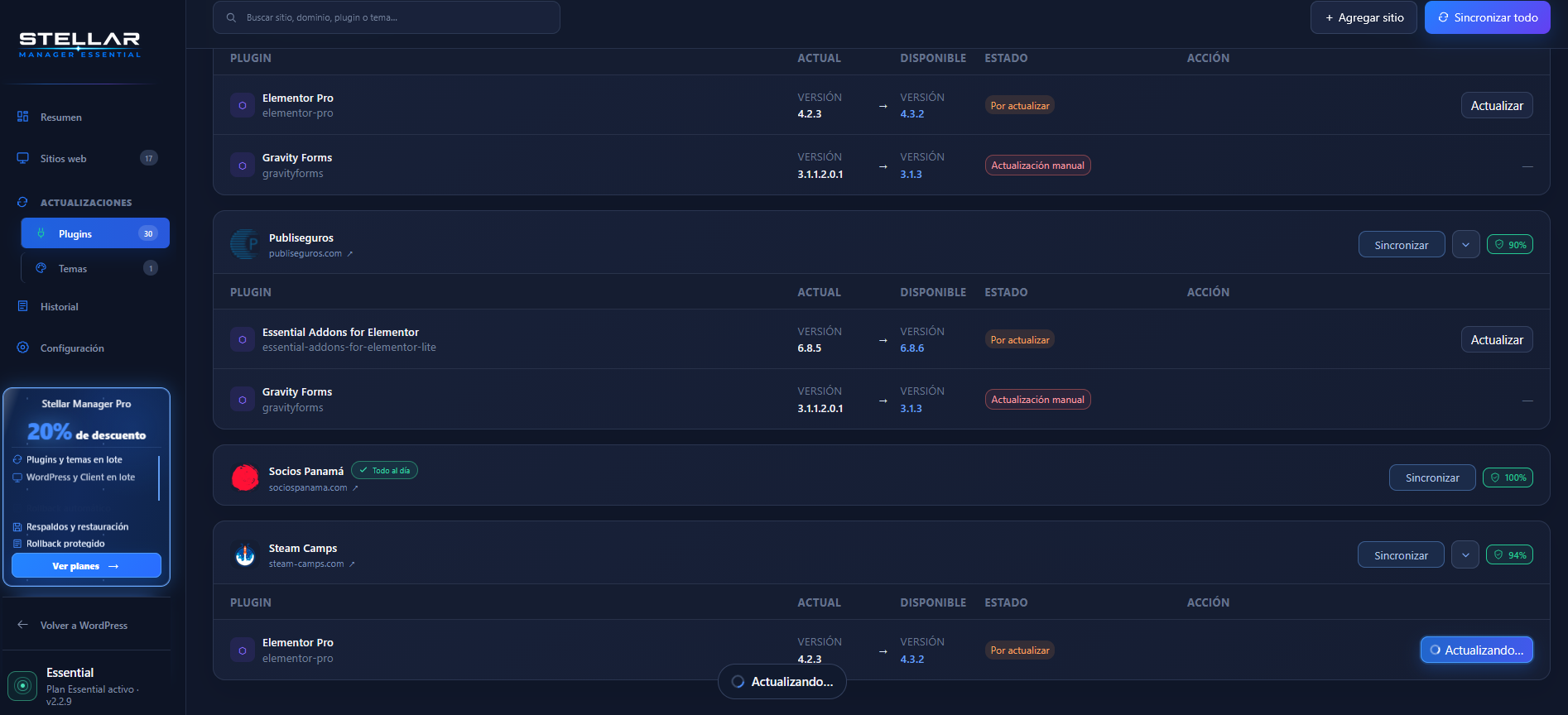
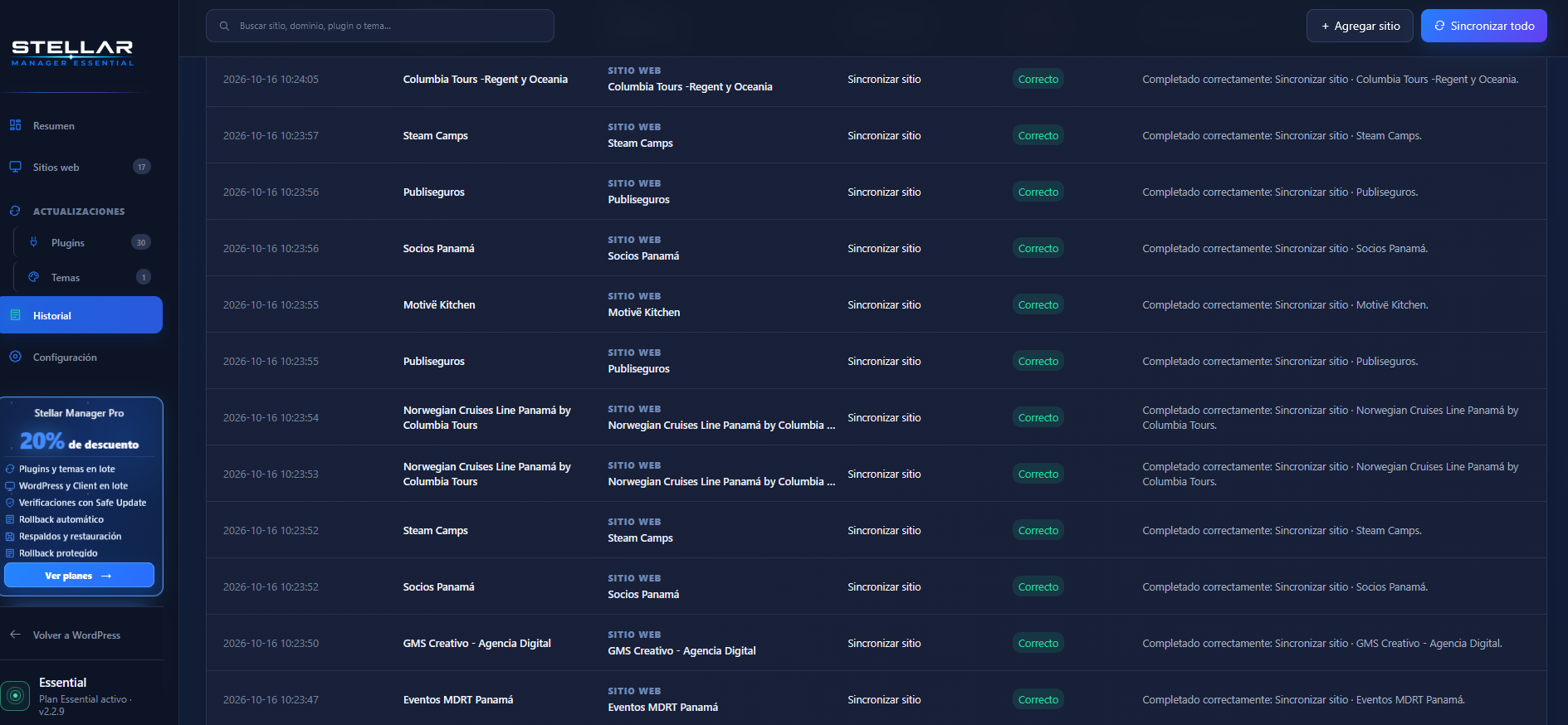
Stellar Manager Essential provides a free, centralized dashboard for managing connected WordPress sites. Connect websites through Stellar Manager Client, synchronize plugin and theme inventories, run individual WordPress core/plugin/theme updates, and view operation history and technical diagnostics. Essential includes site naming, pause/resume controls, language settings, and no site quota or paid activation.
Essential uses each connected site’s normal WordPress update system. Safe Update, backup creation and restoration, rollback, private plugin/theme ZIP repositories, and traffic reports are available through the separate Pro add-on, not the Essential plugin.
Upgrade to Stellar Manager Pro
Need more control over WordPress maintenance? Extend your existing Stellar dashboard with professional tools designed to make updates safer and site management more efficient:
- Bulk Updates: Update WordPress, plugins, and themes across connected sites from one dashboard.
- Safe Update: Create a restore point before supported updates, verify site health, and automatically roll back when a post-update check fails.
- Backups and Restoration: Create, download, and restore website backups.
- Rollback: Revert to a saved restore point when you need to undo changes.
- Private Plugin and Theme Repository: Manage private ZIP packages and deploy updates to your connected websites.
- PDF Traffic Reports: Generate reports and send them to clients by email, according to your plan.
Stellar Manager Pro is an optional, separately installed commercial add-on requiring a paid license. Features and managed-site capacity depend on your plan. Essential remains free and functional without Pro.
Explore Stellar Manager Pro features and plans
Privacy and external services
The plugin does not contact the Stellar license service by default. After an administrator enters a Client pairing code, it contacts that selected client site over signed HTTPS to synchronize and perform requested operations. Essential does not query WordPress.org to detect or install Client updates. It displays the Client version reported by each connected site. Client releases are maintained separately from Essential. Essential includes an optional installation status sharing setting that is off by default. Enabling it sends the manager URL, anonymous installation identifier, version, connected-site count, and last-seen time to stellar.gmscreativo.com. Disabling it requests removal. Essential does not collect visitor statistics. Technical diagnostics and operation history are stored on the manager site.
Screenshots
Installation
- Install and activate Stellar Manager Essential on the WordPress site that will host your central dashboard.
- Download Stellar Manager Client from the following link, then upload, install, and activate it on each WordPress website you want to manage.
Download Stellar Manager Client
- Enter each Client pairing code using Add site in the central dashboard.
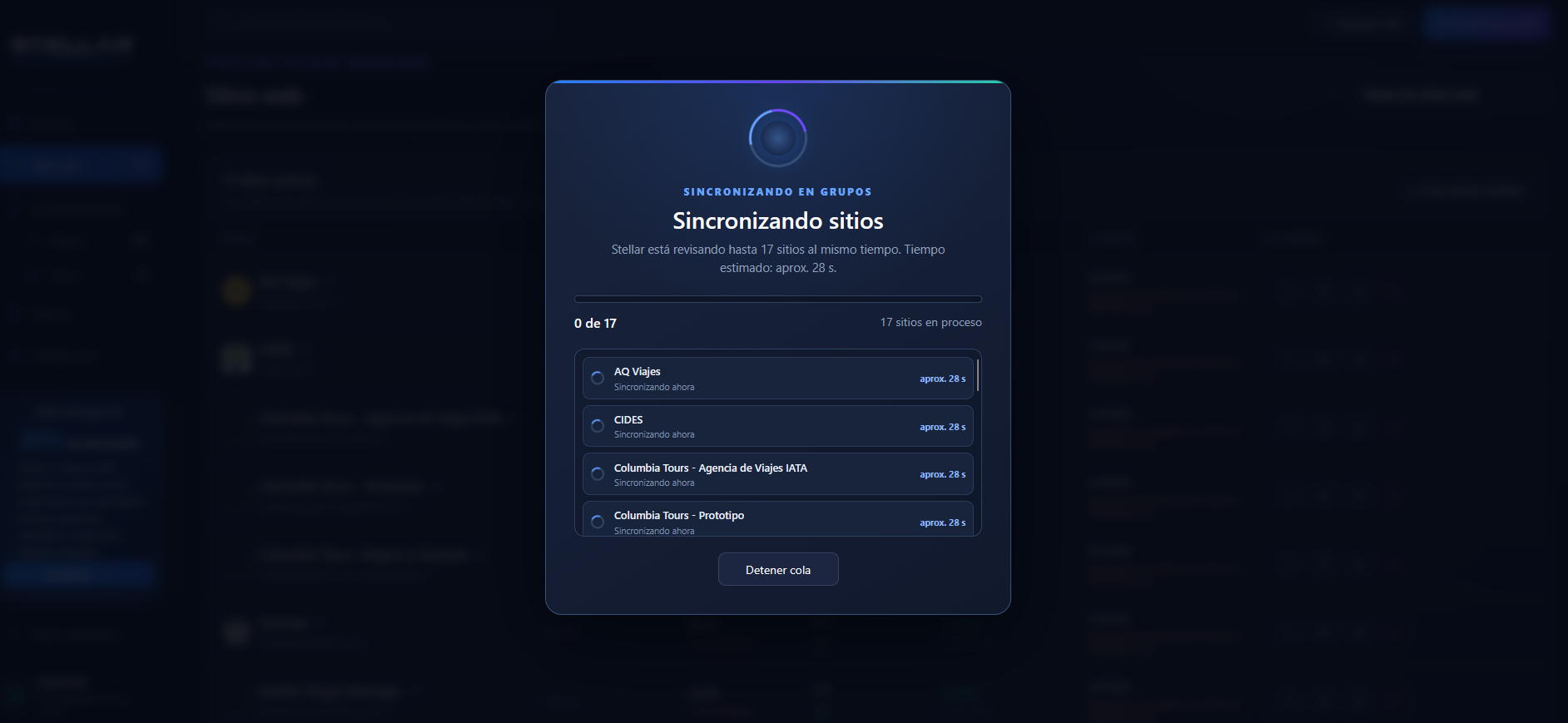
- Synchronize each connected site to review inventories and available updates.
FAQ
-
Is Essential free, and does it limit the number of connected websites?
-
Essential’s included features require no paid license, have no expiration, and impose no site quota. Actual performance depends on your hosting resources.
-
Do I need Stellar Manager Client?
-
Yes. Install the separate Client plugin on each website you want to manage from Stellar Manager Essential.
-
Are backups, rollback, and PDF reports included?
-
No. These features are supplied by the separately distributed Stellar Manager Pro add-on. They are not included in Essential.
Reviews

Contributors & Developers
“Stellar Manager Essential” is open source software. The following people have contributed to this plugin.
Contributors
Translate “Stellar Manager Essential” into your language.
Interested in development?
Browse the code, check out the SVN repository, or subscribe to the development log by RSS.
Changelog
2.2.10
- Display only the synchronized Client version in the Websites table; Client updates are independent of Essential.
- Fall back to Stellar’s default icon when remote website favicons fail to load.
- Correct pagination page-size selector visibility and navigation.
2.2.9
- Keep the Essential dashboard below the WordPress admin toolbar and notices.
- Preserve the existing Pro dashboard presentation when the add-on is active.
- Improve the responsive Pro offer layout, benefit rotation, and reduced-motion support.